Life Fitness Consoles
Cardio Consoles Designed for Every Facility and Every Exerciser
Life Fitness cardio consoles are engineered to meet the needs of both operators and exercisers—delivering intuitive usability, powerful insights, and engaging digital experiences across every cardio floor. From essential performance to fully immersive training, our consoles give facilities the flexibility to choose the right experience for their cardio equipment without sacrificing consistency, durability, or data intelligence.
Life Fitness Consoles
Cardio Consoles Designed for Every Facility and Every Exerciser
Life Fitness cardio consoles are engineered to meet the needs of both operators and exercisers—delivering intuitive usability, powerful insights, and engaging digital experiences across every cardio floor. From essential performance to fully immersive training, our consoles give facilities the flexibility to choose the right experience for their cardio equipment without sacrificing consistency, durability, or data intelligence.
Key Feature
Engineered for Commercial Durability
More
Key Feature
Consistent User Experience
More
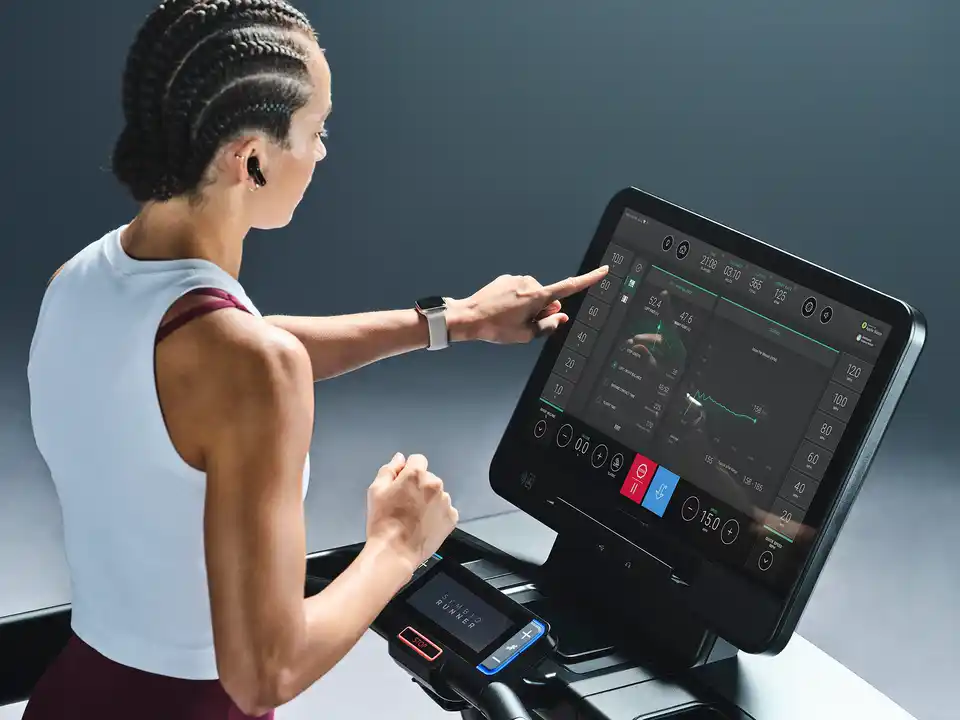
Purpose-Built Consoles That Work for Your Facility
Life Fitness consoles are designed to solve real operational challenges—gym member engagement, equipment utilization, and long-term reliability. A consistent interface across consoles reduces learning curves for exercisers and training time for staff, while commercial-grade construction ensures durability in high-traffic environments.
Whether your priority is simplicity, engagement, or premium differentiation, our console lineup delivers measurable value across your cardio fitness machines.
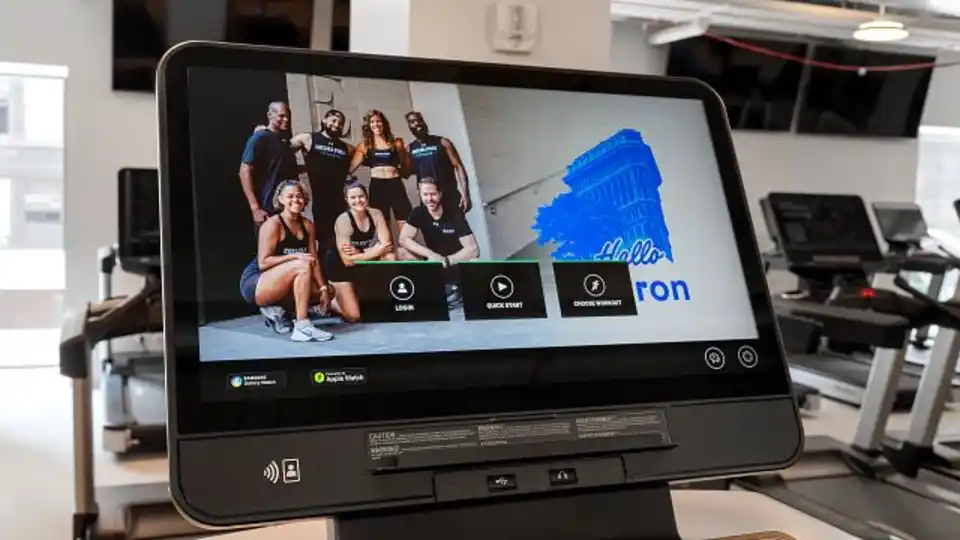
Extend Your Brand Beyond the Cardio Floor
Life Fitness consoles give operators the ability to communicate directly with members during their cardio workouts. Upload custom videos, wellness tips, promotions, or facility announcements to reinforce your brand and create a more connected experience. This built-in communication channel helps facilities deliver timely messages while enhancing the overall member journey.
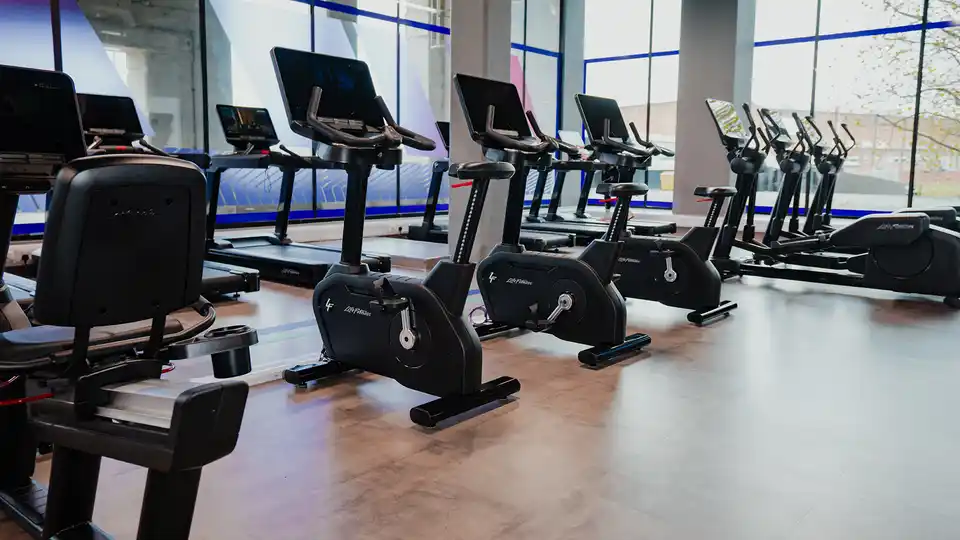
FEATURED CARDIO EQUIPMENT
Turn Cardio Usage Into Actionable Insights
Life Fitness consoles provide facilities with smarter visibility into how cardio equipment is used with Facility Connect. Access insights into cardio machine utilization, workout trends, and engagement patterns to make more informed decisions about programming, gym floor layout, and future investments. These data-driven insights help operators optimize the types of cardio offered, increase ROI, and better align offerings with member behavior.
Key Features:
- Understand peak usage times and equipment demand
- Identify engagement trends across cardio equipment
- Support strategic planning with real-world usage data
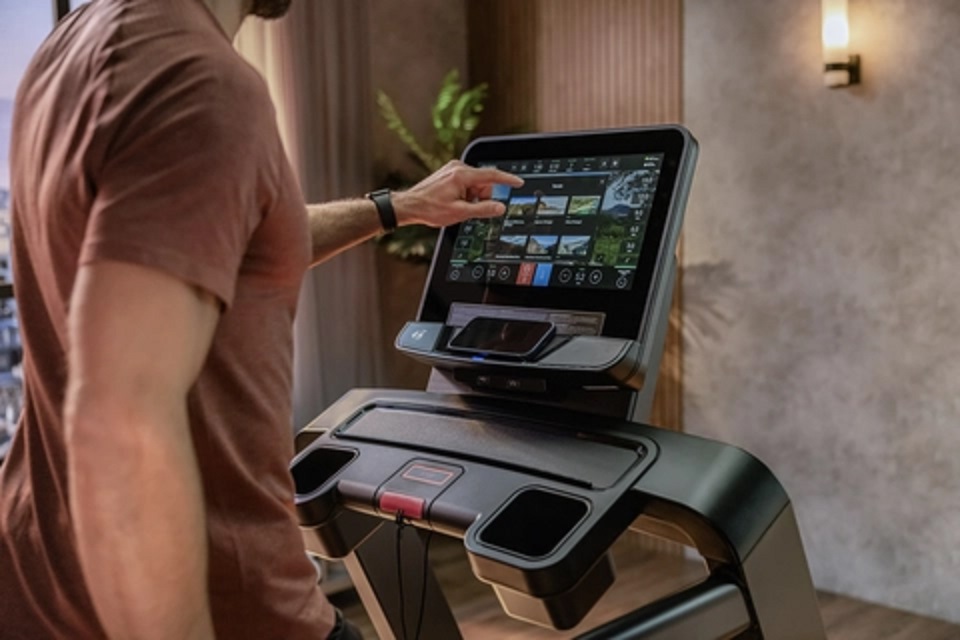
Immersive Training That Keeps Members Coming Back
The SE4 and Symbio consoles transform cardio workouts into immersive training experiences with Life Fitness On Demand+. Provide your exercisers with access to over 500 interactive cardio training and entertainment experiences designed to motivate, challenge, and entertain.
Key Features:
- Guided workouts led by expert trainers
- Virtual and interactive terrains that respond to effort
- Real-time performance metrics for immediate feedback
FAQs
How can gyms use cardio consoles to promote programs and branding?
The SE4 and Symbio consoles allow operators to upload custom videos, wellness tips, or facility announcements. This built-in communication channel helps reinforce brand identity, promote classes or personal training, and deliver targeted messaging directly to members during cardio workouts at the gym.
Can Life Fitness consoles provide equipment usage data?
Yes. Life Fitness consoles provide insights into equipment usage trends, peak traffic times, and engagement patterns. These analytics help facility managers optimize cardio floor layouts, make informed purchasing decisions, and identify opportunities to improve programming and equipment mix.
What should gyms look for in a commercial cardio console?
When selecting a commercial cardio equipment console, gyms should evaluate durability, ease of use, member engagement features, and access to equipment usage data. The best fitness equipment consoles balance intuitive design with advanced capabilities like performance fitness tracking, interactive training, and operator insights that help improve equipment utilization and return on investment.
How do cardio consoles improve member engagement in gyms?
Modern gym equipment consoles like the SE4 and Symbio console increase engagement through interactive training, guided workouts, virtual terrains, and real-time performance metrics. Features like fitness on-demand workouts and immersive entertainment help reduce workout boredom, increase session length, and support stronger member retention—directly impacting gym revenue and satisfaction scores.